
Start with the animal
Work from a saved companion or choose a species for a standalone project. Its body, movement, stage and role shape the support choices.
Player & progression
Fit the gear.
Plan the care.
Prepare the journey.

Practical support for a companion
Bring equipment, fit, care, habitat and travel preparation together for the companion you play.
Work from a saved companion or choose a species for a standalone project. Its body, movement, stage and role shape the support choices.
Outfit it for work, riding, travel or combat. Plan care and housing for the season, then prepare supplies for the next journey.

Equipment, care and habitat
Compare tack, harnesses, packs, protection, transport and fantasy gear. Check body-plan, wing, water and size conditions before choosing an item.
Review acquisition options and game-world costs. Give practical care supplies and sheltered housing the same attention as the saddle or harness.
What you can prepare
Keep practical decisions visible as the companion and campaign change.
Open a saved companion or choose a species for a standalone project. Bring its name, growth stage, body plan, movement and role into the support plan.
Compare identification, harnesses, packs, riding gear, protection, care supplies, transport and fantasy equipment. Choose what suits everyday life, work, travel or combat.
Check size, wings, water requirements and mount eligibility. Review conditions before selecting equipment; incompatible choices require a recorded override reason.
Review how gear fits now and how future growth affects it. Plan resizing or replacement when a harness, saddle or other item becomes too small.
Compare quality, materials, maker, availability, game-world cost and time. Plan purchases or commissions and define custom gear.
Keep repairs, resizing, replacement, upgrades, sales and trade-ins in view. Record gifts and rewards alongside equipment you acquire.
Set season, housing, feed availability and travel conditions. Prepare food, water, shelter, exercise, grooming and recurring game-world costs.
Compare compatible, conditional and unsuitable habitats. Consider space, movement, social needs, climate, water and containment when choosing housing.
Choose duration, resupply interval, travel mode and climate. Review packing needs, transport, supplies, warnings and approximate upkeep.
Prepare equipment sheets, fit reports, care schedules, habitat requirements and repair plans. Make a journey plan before exporting a packing checklist.
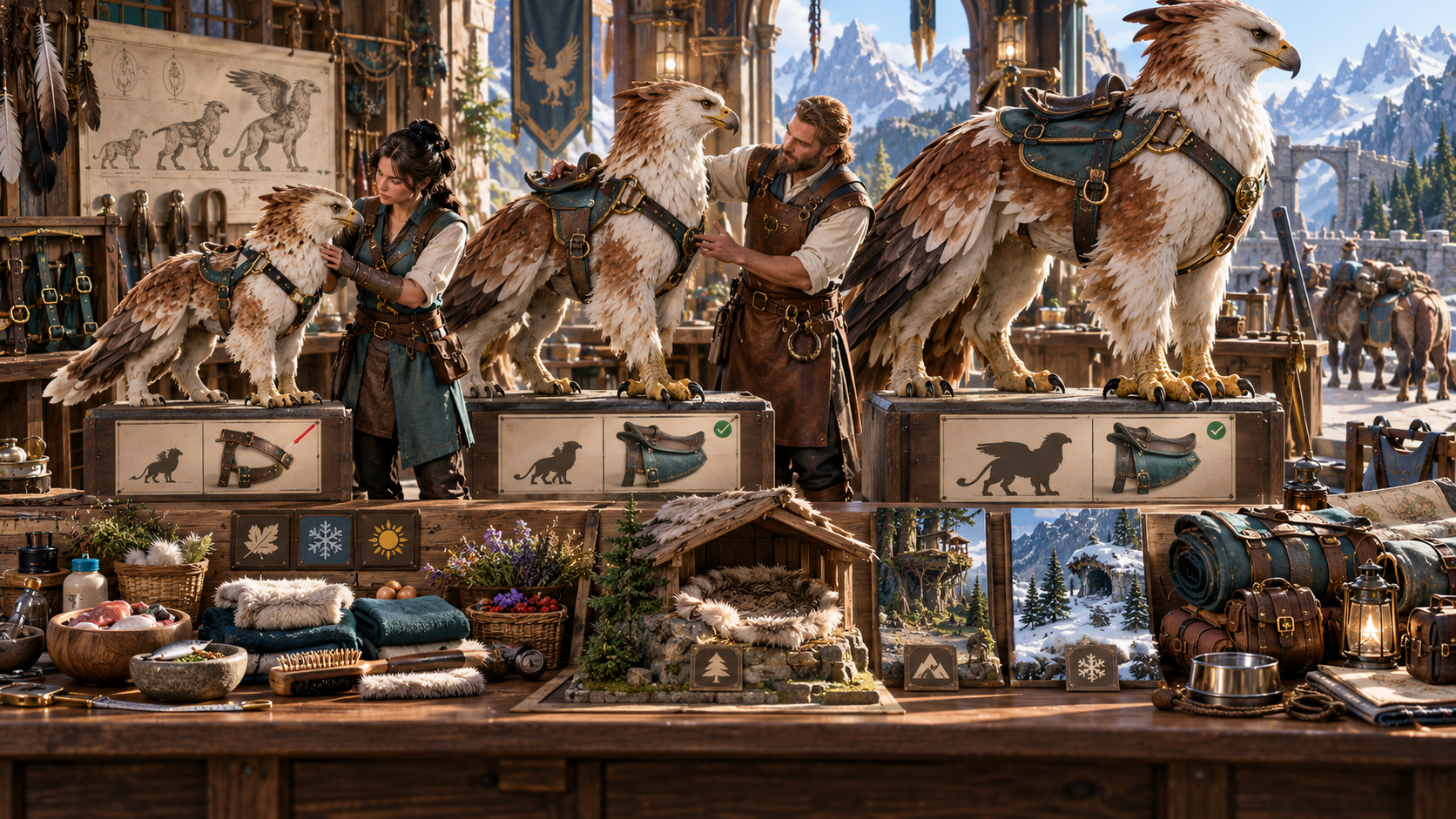
Fit, growth, care and travel
Choose the animal, its role, environment and budget. Compare equipment and fit, then plan the care conditions and habitat it needs.
As it grows, review items that need resizing or replacement. Adjust seasonal care, housing and journey supplies to the conditions ahead.
Quick choices. Deeper preparation.
Use campaign conditions to guide the support plan.
Choose a saved companion or enter an animal, then set role, environment and budget. Prepare an outfit for everyday life, work, riding, travel or combat.
Browse by group, quality and material. Compare buying, commissioning and crafting, and define custom gear when the campaign calls for it.
Set season, feed availability, housing and travel conditions. Review habitats and the changes needed for conditional choices.
Set duration, resupply interval, climate and travel mode. Make the journey plan before exporting its packing checklist.

A complete companion support plan
Review what to carry, how to transport it and where to resupply. Match care, packing and approximate upkeep to the journey and its climate.
Keep equipment sheets, fit reports, care schedules and habitat requirements ready for reference. Prepare an outfit before making a purchase list.
Projects, records and useful references
Review changes and choose the reference that helps at your table.
Save a support project through your account. Reopen earlier versions, rename a project or duplicate it as a variant for another plan.
Save equipment, care and habitat changes for a linked companion. If it changed elsewhere, reopen it and review your changes before saving again.
Copy or download equipment sheets, reports, care schedules, habitat requirements, repair plans and equipment cards. Keep JSON backups as a separate reference.
Identity and growth belong to Pet & Animal Companion Generator. Training belongs to Animal Training & Trainer Generator. This tool plans practical support.
Your animal tools and encounter workspace
Use each product for its own part of the campaign.

Open your VISINVOKE products through one signed-in Windows desktop workspace.
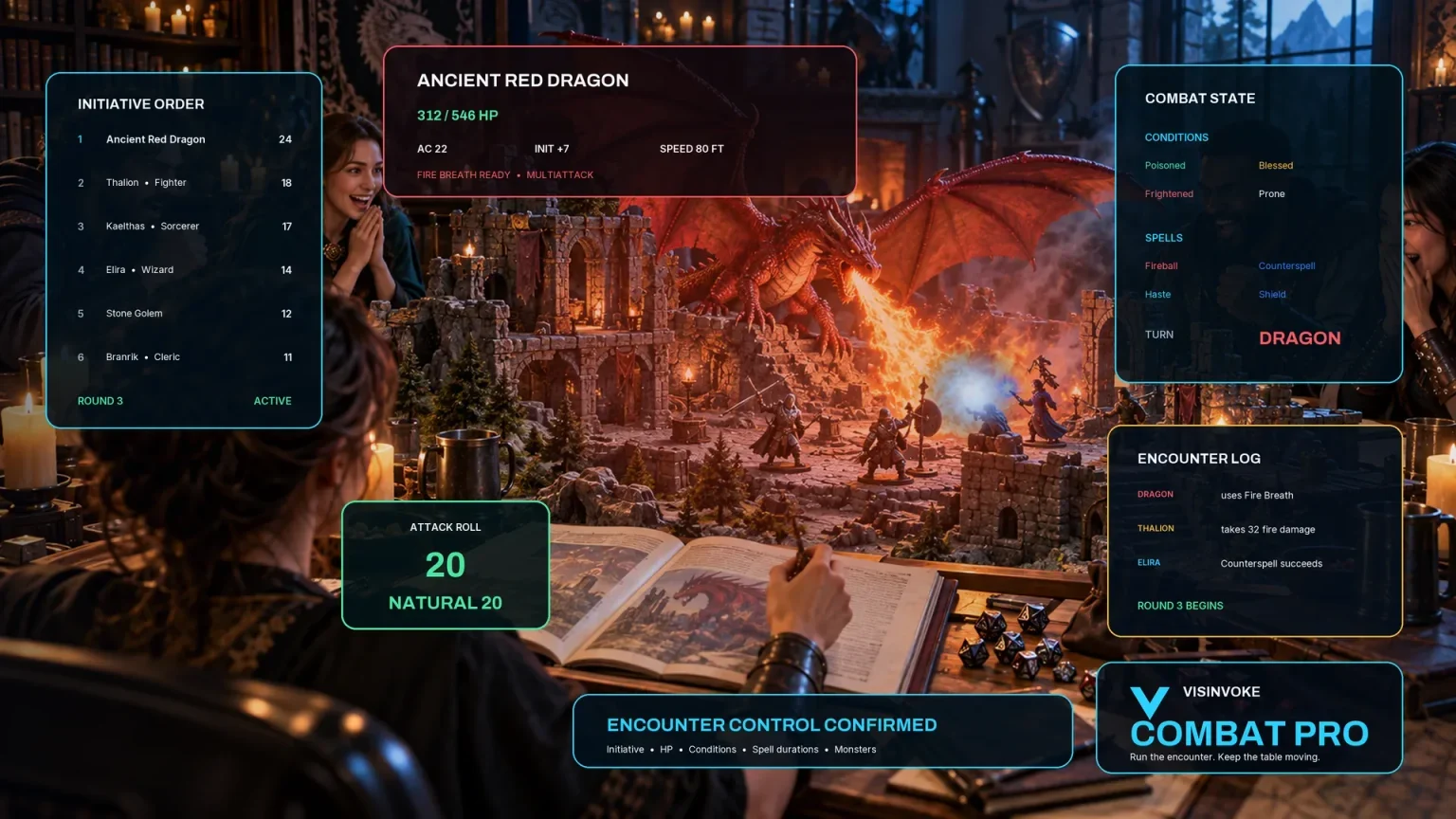
Use supported equipment effects for eligible animal encounters. Care, habitat and supplies stay in the animal tools.
Artwork illustrates the subject and connected products, not application screens. Care and costs describe the game world.
Questions and answers
Equipment, growth, records and account access at a glance.
Yes. Choose a species and enter an animal for a standalone support project. You can also work with a companion created in Pet & Animal Companion Generator.
Pet & Animal Companion Generator handles identity and growth. Animal Training & Trainer Generator handles training. This product concentrates on equipment, fit, care, housing and travel supplies.
Review current fit and the growth outlook. Resize or replace items as needed, check body-plan and movement conditions, and record a reason when overriding incompatibility.
Save a standalone project or support changes for a linked companion. Copy or download sheets, reports, care schedules, equipment cards and JSON backups. Plan a journey before exporting its checklist and an outfit before a purchase list.
For eligible animals, supported equipment effects include armour guidance and movement restrictions. Care, habitat and supplies remain in the animal tools.
Use your VISINVOKE account and Desktop Control Centre on Windows. Review individual subscription access and current pricing in your account. A free account is separate from paid generator access.
Continue in VISINVOKE
Create a free VISINVOKE account or sign in to your existing account. Get Desktop Control Centre through your account installer page.
Open the Generators collection on Windows. Review current subscription and access details in your account.